


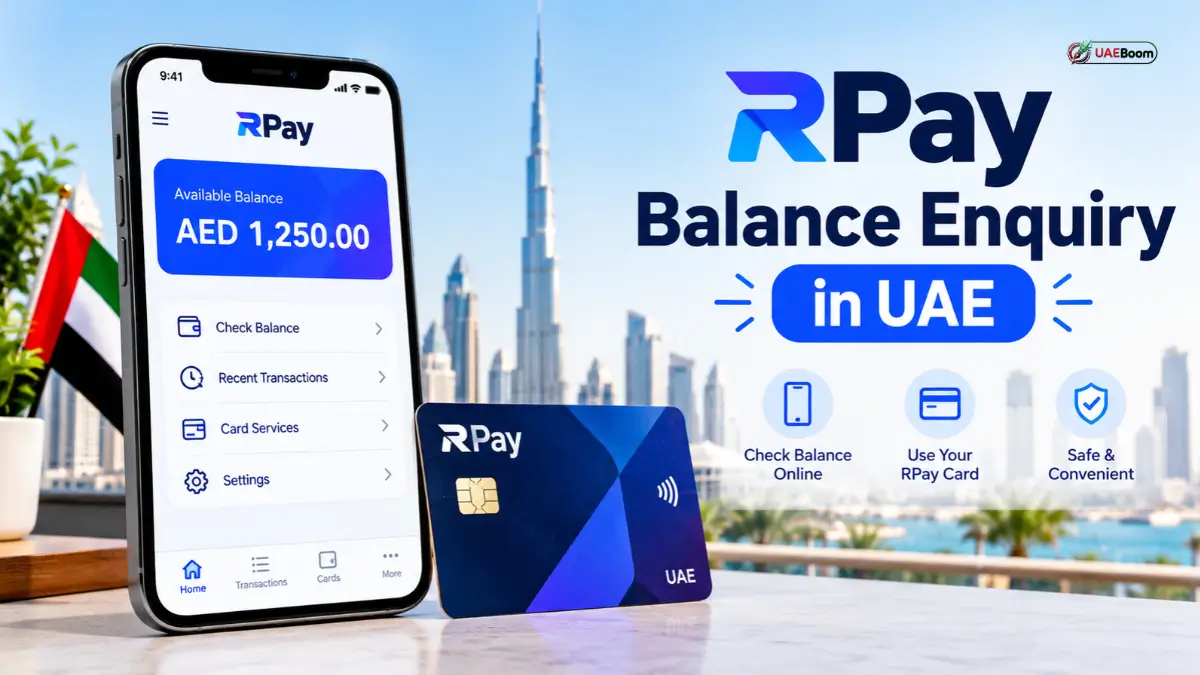
Let’s face it—managing your hard-earned money in the UAE is something we all think about daily. For thousands of employees relying on digital payroll cards, moving away from old-school cash has made budgeting both easier and a bit more digital. Right at the center of this shift is the RPay ecosystem—widely used through Al Rostamani International Exchange (ARIE) payroll solutions to make sure wages comply smoothly with the UAE’s Wages Protection System (WPS).
Knowing how to check your RPay balance isn’t just a boring chore; it’s your go-to safety net. It helps you keep an eye on your monthly earnings, plan out your spending, avoid awkward declined cards at the grocery store, and spot anything suspicious early on.
What Is an RPay Balance Enquiry and Why Does It Matter?
An RPay balance enquiry is simply checking the remaining funds on your RPay-linked payroll or prepaid card. Unlike traditional bank accounts that come with checkbooks and physical branch visits, these cards act as secure digital wallets where employers drop your monthly pay.
In a fast-moving hub like the UAE, knowing your balance saves you from running into card declines when buying groceries, paying utility bills, or sending money home. Checking in regularly gives you a few great perks:
- Total Spending Clarity: Knowing your exact numbers helps you map out weekly expenses, remittances, and savings without guessing.
- WPS Salary Confirmation: It acts as instant proof that your employer has successfully transferred your wages through the official UAE system.
- Early Fraud Protection: A quick look at your balance and recent transactions helps you catch any unexpected charges right away.
4 Ways to Check Your RPay Balance in UAE
Depending on whether you have your phone handy, reliable internet, or just want to visit an ATM, you have a few reliable ways to check your balance.
The Official Mobile App (The Easiest Route)
If you prefer handling things right from your phone, the mobile app is your best bet.
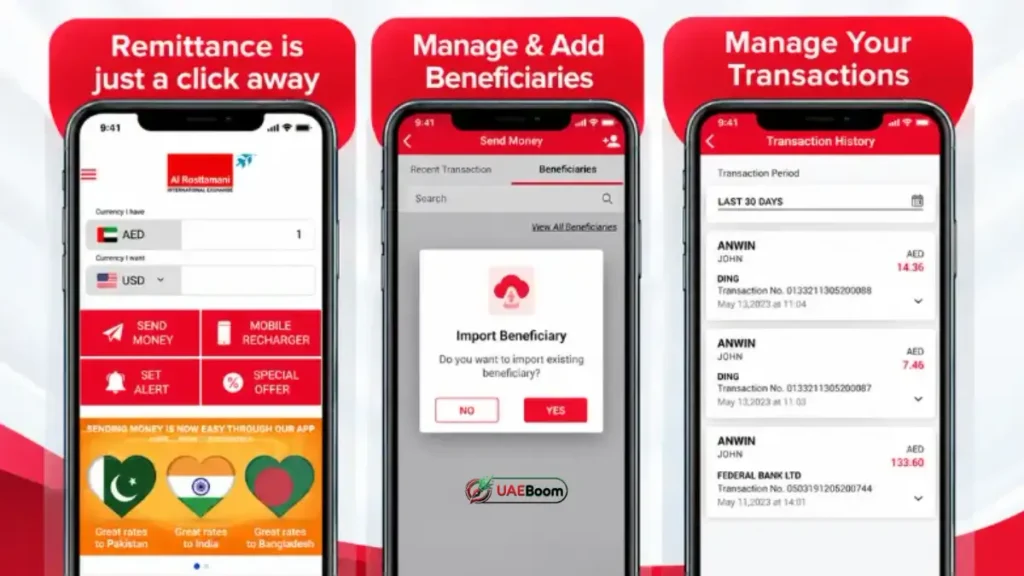
- Download the App: Grab the official Al Rostamani Exchange mobile app (or corresponding RPay app) straight from the Google Play Store or Apple App Store.
- Log In Securely: Fire up the app and log in using your registered details, verified by a quick OTP sent to your UAE mobile number.
- Tap on Card Services: Head right to your dashboard or tap “Balance Enquiry” / “My Cards” to view your real-time balance instantly.
Using ATM Networks
If your phone data is acting up or you prefer physical kiosks, ATMs are always there.
- Insert Your Card: Head over to an Al Rostamani Exchange ATM (usually found near business districts and labor hubs) or a partnered network machine.
- Enter Your PIN: Choose your preferred language and punch in your secure 4-digit PIN.
- Select Balance Enquiry: Tap the “Balance Enquiry” option on the screen to view or print out a physical receipt. (Keep in mind: using random third-party ATMs outside your network might occasionally tack on a tiny fee).
Online Web Portal Access
Prefer checking things on a laptop or desktop computer?
- Head over to the official Al Rostamani Exchange website portal.
- Log in using your self-service username and password.
- Look at your dashboard overview to check your current balance and download past statements.
SMS Alerts and Quick Text Tracking
When you’re out and about without mobile data, instant alerts have your back:
- Make sure your mobile number is actively tied to your account so you get an automatic text message the exact second your salary hits your card.
Understanding Your Card Provider Network
You’ll often notice networks like Mercury, Magnati, or Edenred printed right on your card.
- Take a quick second to look at the logos on your physical card.
- Knowing your specific network helps you figure out which partner apps or ATM clusters you can use without running into extra fees.
Troubleshooting Common Balance Check Hiccups
Even though these apps are built to be smooth, you might occasionally hit a minor snag. Here is how to fix them in seconds:
| What Happened? | Why It Might Be Happening | How to Fix It |
| App won’t load / Login error | Weak internet connection or old app version | Switch over to stable Wi-Fi, update your app through the app store, or restart your phone. |
| Balance looks a bit off | Recent purchases are still pending settlement | Take a glance at your transaction history to see if any recent purchases haven’t fully cleared yet. |
| ATM swallowed your card | Entering the wrong PIN too many times | Reach out to customer support right away and visit your nearest exchange branch to get it sorted out safely. |
| Salary hasn’t shown up yet | Delays in company HR or WPS processing | Double-check with your payroll department to make sure the WPS file has officially cleared on their end. |
Smart Security Tips for Digital Cardholders
Since your card holds your hard-earned cash, keeping your digital footprint secure is super important. Keep these simple rules in mind:
- Never Share Your Info: Keep your PIN, online passwords, and OTP codes strictly to yourself. Real customer support agents will never ask for your PIN.
- Avoid Public Wi-Fi: Try not to check your bank apps or balance using unsecured public Wi-Fi networks in coffee shops or malls.
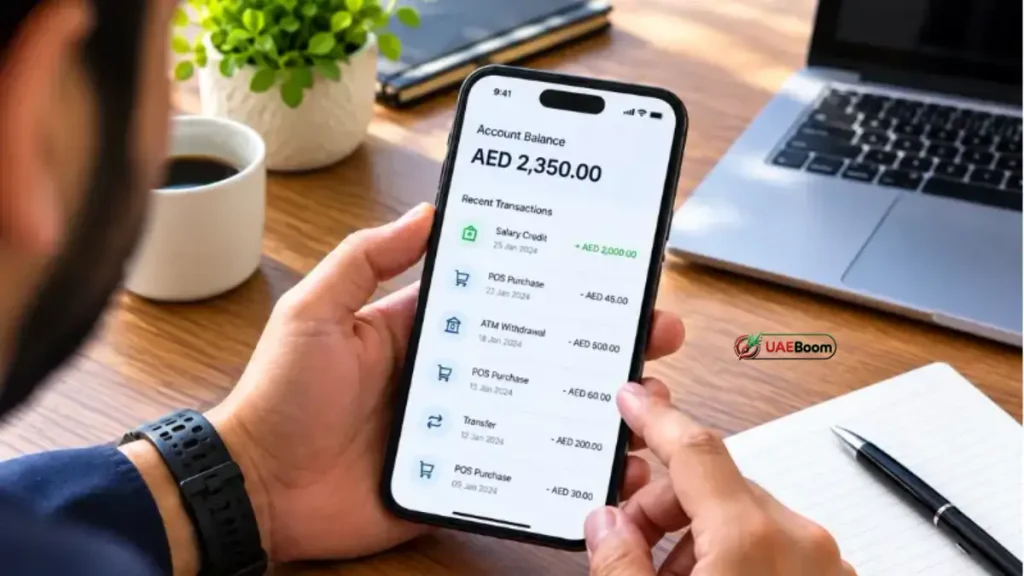
- Scan Your History Weekly: Make it a habit to quickly scroll through your past transactions every week just to ensure everything looks correct.
Official Customer Support Channels
If you run into an account issue that you just can’t fix on your own, don’t hesitate to reach out to the pros:
- Al Rostamani Exchange Helpline: Give them a call at 800 4250 locally in the UAE for direct guidance.
- Visit a Branch: Stop by any physical Al Rostamani Exchange branch across Dubai, Abu Dhabi, or Sharjah if you prefer face-to-face assistance or need a replacement card.
Frequently Asked Questions
What exactly is an RPay balance enquiry?
It’s simply checking how much money you have left on your RPay payroll or prepaid card in the UAE.
Is checking my balance free?
Yes! Checking through the official app, web portal, or designated provider ATMs is completely free.
Can I check my balance offline?
Yes, you can pop into a supported exchange ATM or rely on your instant SMS salary alerts.
Why isn’t my balance updating right after payday?
This usually just comes down to minor processing delays in your company’s monthly WPS batch. A quick chat with HR will clear it up.
How do I download the official app?
You can grab it safely from the Apple App Store for iPhones or the Google Play Store for Android devices.
Can I check my balance while traveling outside the UAE?
Yes, as long as you have internet connection, you can log into the app or web portal from anywhere in the world.
What do I do if my card gets lost or stolen?
Call customer support immediately to freeze the card, then chat with your HR team or visit an exchange branch for a replacement.
Are there daily spending limits on these cards?
Yes, cards usually come with standard daily caps on ATM withdrawals and retail shopping to keep your account safe.
Who can get an RPay salary card?
Employees whose companies partner with Al Rostamani Exchange for WPS payroll processing are eligible to receive them.
Is it safe to type my card details online?
It’s only safe when using official channels like the verified mobile app or official exchange website. Always steer clear of shady links.